- AI Business Insights
- Posts
- You’re Using Claude Wrong
You’re Using Claude Wrong
Build Instant Tools with Claude Artifacts
You are likely leaving massive productivity gains on the table by treating Claude like a standard chatbot. It is costing you time because you aren’t utilizing the platform’s ability to build standalone tools instantly.
I was scrolling through LinkedIn when I found this straightforward guide by this AI professional that breaks down exactly how to leverage Claude Artifacts to reclaim those lost hours.
In partnership with

Shoppers are adding to cart for the holidays

Over the next year, Roku predicts that 100% of the streaming audience will see ads. For growth marketers in 2026, CTV will remain an important “safe space” as AI creates widespread disruption in the search and social channels. Plus, easier access to self-serve CTV ad buying tools and targeting options will lead to a surge in locally-targeted streaming campaigns.
Read our guide to find out why growth marketers should make sure CTV is part of their 2026 media mix.
Understanding the Artifact Ecosystem
The core concept shared by the expert revolves around moving beyond linear text conversations. Usually, when you interact with an AI, the value gets buried in a long stream of chat bubbles. The author explains that by specifically navigating to the ‘Artifacts’ section, you unlock a different mode of operation. Instead of just talking, you are building. The post outlines a specific workflow: logging in, navigating to the dedicated Artifacts menu, and either selecting existing tools or choosing to create a new one. It transforms the interface from a chat window into a dashboard of functional items.
Exploring the Default Categories
One of the most interesting takeaways from the post is the existence of pre-set categories. The expert suggests checking across different sections such as ‘Learn something,’ ‘Life hacks,’ ‘Be creative,’ and even ‘Touch grass.’ This implies that Claude isn’t just a blank slate; it comes with built-in utility if you know where to look. By browsing these defaults, you can leverage work that is already done rather than prompting from scratch every time. It is a massive time-saver for standard tasks.
The Power of Custom Creation
The real efficiency unlock happens when you move to step 4 of the author’s guide: creating your own. The LinkedIn user notes that you can generate your own Artifacts with “just a simple text prompt.” This separates the instruction from the output. If you need a specific tool, you don’t have to wrestle with formatting in a chat. You simply provide the prompt, and the system generates a standalone Artifact. This feature allows you to tailor the AI’s output to your specific workflow needs instantly.
Managing Your Digital Toolbox
Creating tools is useless if you lose them immediately. This savvy professional emphasizes the importance of checking your “previously created ones” in the “Your Artifacts” section. This acts as a repository or a library for your custom solutions. Instead of doom-scrolling through old chats to find a specific table or code snippet, the author points out that you can simply click on the Artifact you want to use from your saved list. This organization is key to working fewer hours.
Voice AI: Get the Proof. Avoid the Hype.
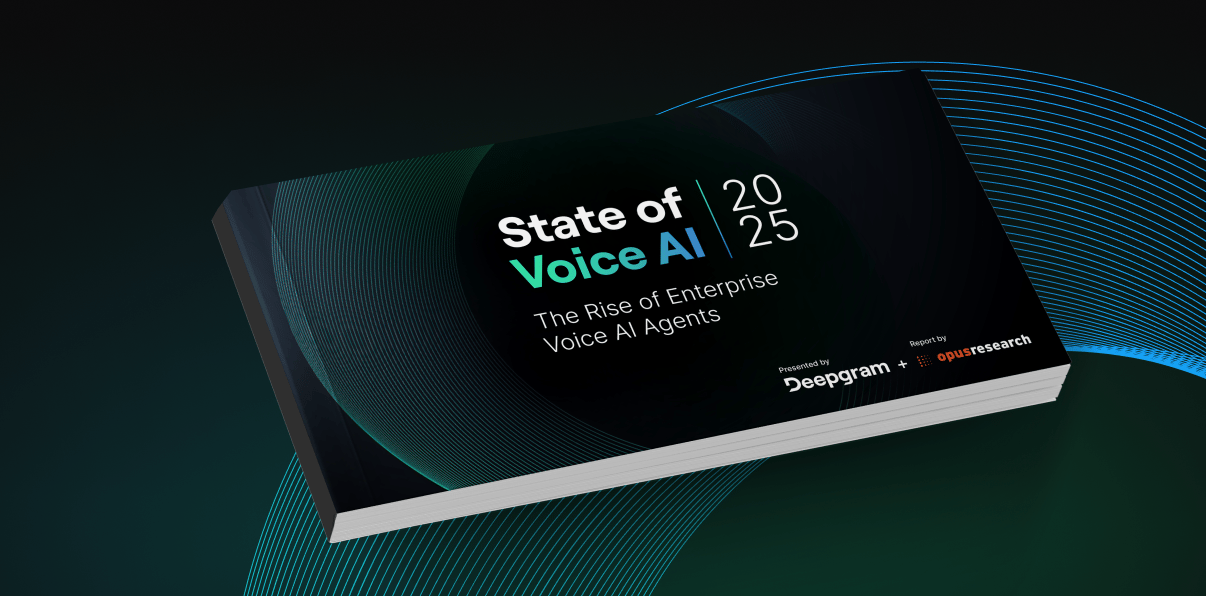
Deepgram interviewed 400 senior leaders on voice AI adoption: 97% already use it, 84% will increase budgets, yet only 21% are very satisfied with legacy agents. See where enterprises deploy human-like voice AI agents - customer service, task automation, order capture. Benchmark your roadmap against $100M peers for 2026 priorities.
*Ad
Other awesome AI guides you may enjoy

Credits Adam Biddlecombe
The Setup Requirement
There is one critical nuance to make this work. The creator of this guide warns that you must verify your settings. You need to check that you have actually enabled Artifacts in your Claude settings. Without ticking this box, none of the features mentioned above will work, and you will be stuck with the standard chat interface.
74% of Companies Are Seeing ROI from AI.

Incomplete data wastes time and stalls ROI. Bright Data connects your AI to real-time public web data so you launch faster, make confident decisions, and achieve real business growth.
*Ad