- AI Business Insights
- Posts
- Stop getting useless AI summaries
Stop getting useless AI summaries
Why this works so well
Try this 10-second check the next time you need an AI to summarize a long, complex article. Paste your text into your favorite chatbot, ask for a standard summary, and count how many genuinely novel insights the AI actually gives you. This insightful Reddit user, u/Distinct_Track_5495, noticed the output is usually just regurgitated fluff and built a brilliant solution to fix it. The author created a highly structured “Focus and Amplify” framework that forces the AI to dig for the good stuff instead of just skimming the surface.
In partnership with

Speak your prompts. Get better outputs.
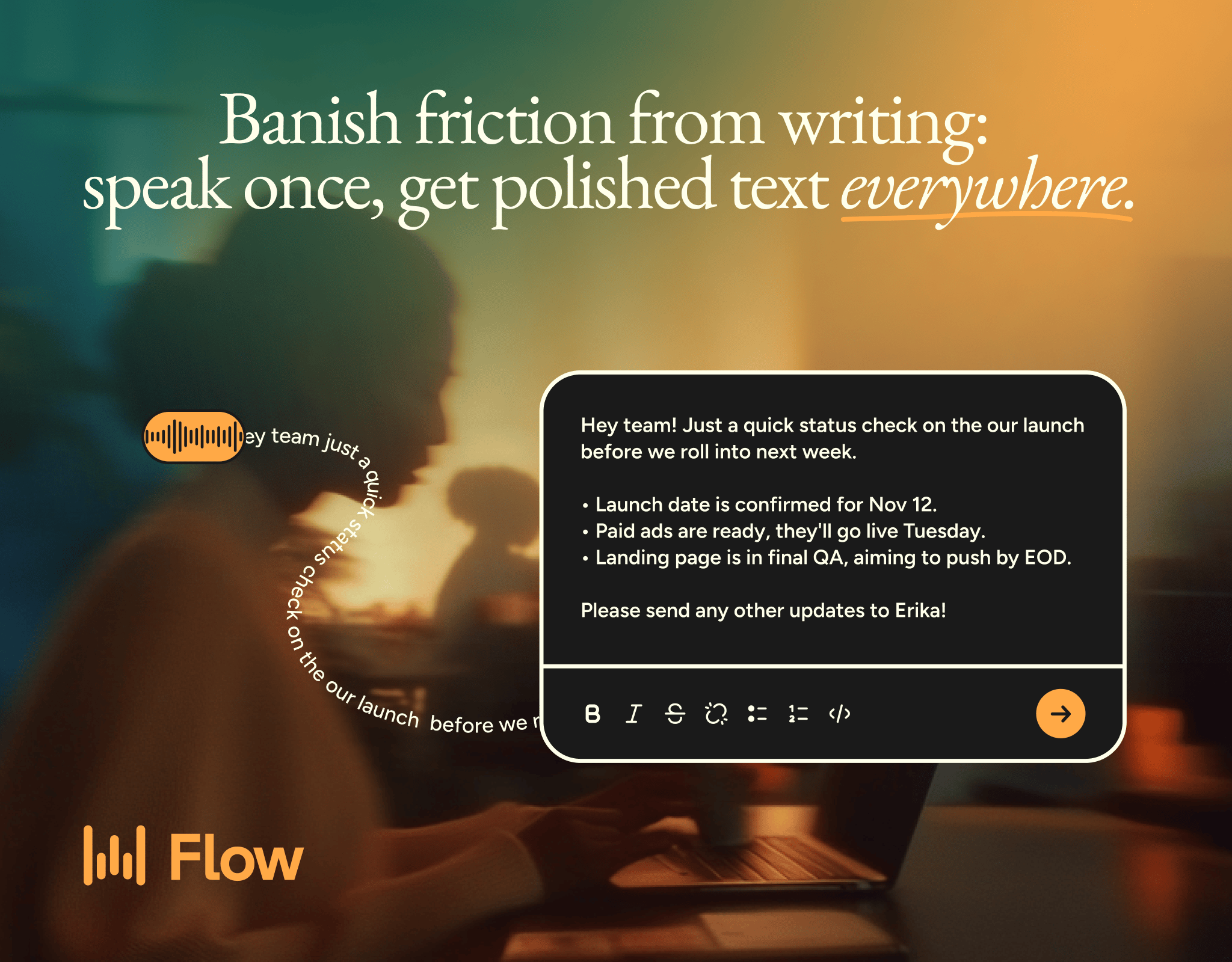
The best AI outputs come from detailed prompts. But typing long, context-rich prompts is slow - so most people don't bother.
Wispr Flow turns your voice into clean, ready-to-paste text. Speak naturally into ChatGPT, Claude, Cursor, or any AI tool and get polished output without editing. Describe edge cases, explain context, walk through your thinking - all at the speed you talk.
Millions of people use Flow to give AI tools 10x more context in half the time. 89% of messages sent with zero edits.
Works system-wide on Mac, Windows, iPhone, and now Android (free and unlimited on Android during launch).
Here is the exact prompt the creator shared. Just copy and paste this block, inserting your target content right at the very end.
<PROMPT>
<ROLE>You are an expert analyst specializing in extracting actionable insights from complex information.</ROLE>
<CONTEXT>
You will be provided with a piece of text. Your task is to distill it into a concise summary that not only captures the core message but also amplifies the most significant, novel, and potentially impactful insights.
</CONTEXT>
<INSTRUCTIONS>
Identify Core Theme(s): Read the provided text and identify the 1-3 overarching themes or main arguments.
Extract Novel Insights: Within these themes, pinpoint specific insights that are new, counter-intuitive, or offer a fresh perspective. These should go beyond mere restatements of the obvious.
Amplify & Explain Significance: For each novel insight identified, explain why it matters. What are the implications? Who should care? What action might this insight inform?
Synthesize: Combine these elements into a structured summary. Start with the core theme(s), followed by the amplified insights and their significance. The summary should be significantly shorter than the original text, prioritizing depth of insight over breadth of coverage.
…
Why does this template produce vastly better results than a simple summary request? The creator layered several advanced prompt engineering techniques into a single cohesive instructions set.
First, the prompt uses precise XML tags to organize the information. Wrapping sections in tags like <ROLE> and <CONSTRAINTS> helps the AI parse exactly which part is the persona, which part is the rulebook, and where the actual source text lives. This prevents the model from confusing your instructions with the text it needs to read.
How Jennifer Aniston’s LolaVie brand grew sales 40% with CTV ads

The DTC beauty category is crowded. To break through, Jennifer Aniston’s brand LolaVie, worked with Roku Ads Manager to easily set up, test, and optimize CTV ad creatives. The campaign helped drive a big lift in sales and customer growth, helping LolaVie break through in the crowded beauty category.
*Ad
Second, it uses a detailed role assignment. Telling the AI it is an “expert analyst specializing in extracting actionable insights” sets a high baseline for the vocabulary, tone, and analytical reasoning it will apply to your text. It stops acting like a basic text summarizer and starts acting like a professional researcher.
Third, the four-part instructions act as a forced chain-of-thought process. Instead of just saying “summarize this,” the author forces the AI to work step-by-step. It has to first identify the core themes. Then, it must extract novel points. Finally, it has to explain why those points actually matter. This sequential reasoning prevents the AI from skipping straight to a generic, lazy overview. The expert specifically noted that the “amplify and explain” step is where the real value surfaces, because it forces the AI to justify its own findings.
Finally, the constraints box the AI in perfectly. Setting a strict 250-word limit and demanding a bulleted format ensures the output is highly readable. The specific instruction to focus on “what’s new” and “so what” acts as a final filter to eliminate fluff.
Extra Tips for your next summary
You can easily tweak this prompt template to suit different daily workflows.
Add a target audience: Modify the context tag to specify exactly who will be reading the summary. You could change it to focus the insights for “a busy marketing executive looking for ROI metrics” or “a high school student learning about biology.” The AI will instantly adjust its extraction focus to match what that specific reader cares about most.
Provide a few-shot example: If you want the AI to perfectly mimic your preferred summary style, insert an <EXAMPLES> section right before the constraints. Paste in a sample of a long text and the exact bulleted summary you would write yourself. This few-shot prompting technique guarantees the AI understands the exact depth and format you expect.
Stop settling for boring, repetitive regurgitation of text. Head over to the r/PromptEngineering community on Reddit to read the full discussion and see what other AI professionals are building!
Turn AI Into Your Income Stream

The AI economy is booming, and smart entrepreneurs are already profiting. Subscribe to Mindstream and get instant access to 200+ proven strategies to monetize AI tools like ChatGPT, Midjourney, and more. From content creation to automation services, discover actionable ways to build your AI-powered income. No coding required, just practical strategies that work.
*Ad