- AI Business Insights
- Posts
- Find the Right AI, Not the ‘Best’ AI
Find the Right AI, Not the ‘Best’ AI
Choose Your AI Superpower
Last year I wasted an entire afternoon trying to make one “perfect” AI tool fit everything I do.
It felt efficient.
It was not.
Every task turned into a wrestling match with settings, prompts, and weird limitations.
Then I watched this creator’s breakdown, and it honestly snapped the pattern in half.
The “best AI” isn’t a real destination, it’s a distraction.
The biggest mistake people make with AI is hunting for one single app that does everything perfectly. I just watched a fantastic breakdown by a productivity expert who spent the last three years testing practically every AI tool on the market, and he makes a simple point: the “perfect” all in one tool is a myth.
When training takes a backseat, your AI programs don't stand a chance.
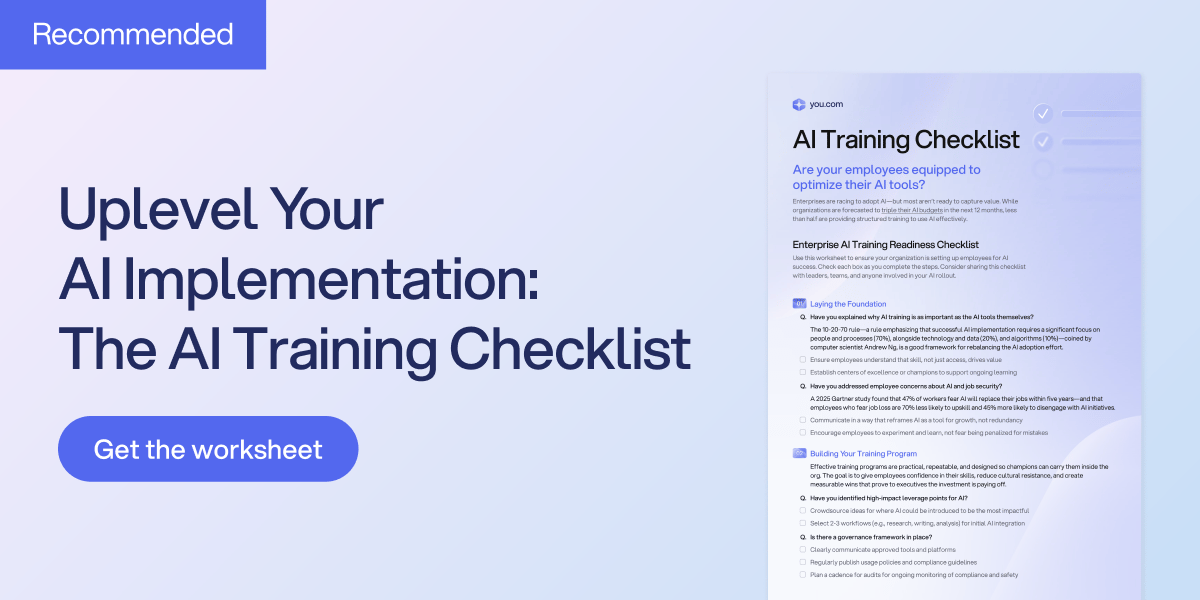
One of the biggest reasons AI adoption stalls is because teams aren’t properly trained. This AI Training Checklist from You.com highlights common pitfalls and guides you to build a capable, confident team that can make the most out of your AI investment. Set your AI initiatives on the right track.
*Ad
Instead of asking which model is smartest overall, this talented tester says to look for each tool’s specific “superpower.” Yes, models like GPT-4 and Claude are brilliant generalists, but they can fall apart when you need deep integration or tight creative control. Once you see the distinctions clearly, you stop fighting your tools and start finishing work.
The Superpower Framework
The core idea is simple: stop asking “which model has the highest IQ?” and start asking “where does this model live?” For real productivity, the battle is not raw intelligence anymore, it’s native integration. If a tool lives inside your email or your database, it will often beat a smarter chatbot that lives in a separate browser tab.
He splits the world into two lanes: Productivity AI (getting work done) and Creative AI (making assets). In productivity, the winner is the one that connects your scattered files without friction. In creative work, the winner depends on whether you need control, editing speed, or storytelling consistency. Here are the three biggest takeaways from his testing.
The Battle for Your Workspace
When it comes to managing your digital office, he points to two clear winners that serve totally different purposes. It comes down to a choice between “Searching” and “Acting.”
Google Gemini: The Master of Search and Synthesis
If your work revolves around Google Docs, Gmail, and Drive, Gemini has a huge advantage because it lives inside that ecosystem. You can connect ChatGPT to Google Drive, but it is often a third party connection that can be slow or flaky. Gemini does not need to “connect” because it is already there.
Its superpower is pulling from an email, a spreadsheet, and a calendar invite in a single query. Picture a big campaign with 50 meeting transcripts, 200 email threads, and dozens of docs. Instead of manually sorting for a week, you ask Gemini to find everything related to Project X and draft a debrief based on it.
Notion AI: The Master of Action
Notion’s superpower is not searching, it is acting like an agent inside your system. Gemini can write into a document, but it cannot reliably build structured pages from scratch or reorganize a database. Notion can.
It understands the structure of your workspace, so you can say, “Create a new job opening using this template, change the date to next year, set the status to Active.” The result is not just text, it is a fully built page with the right properties, tags, and links. If you need to build or reorganize, Notion wins.
The Creative Triad
For image generation, most people just use whatever chatbot is already open, and he says that is a mistake. The big three options feel similar until you notice they give you totally different kinds of control. His camera analogy makes it click fast.
Midjourney: The Manual DSLR
Midjourney is like a pro camera in manual mode. The quality can be insane, but the learning curve is real. You need to learn syntax and parameters to consistently get what you want.Google’s Image Model: Natural Language Editing
If Midjourney is for building from scratch, Google’s image tool inside Gemini is for precise editing. You can talk to it like a designer and say, “Remove the box at the bottom” or “Switch the color scheme to Apple style.” It edits that specific part without wrecking the rest, which is perfect for rapid iteration.ChatGPT (DALL-E 3): The Storyteller
He argues ChatGPT’s image model shines when you need consistency across scenes. If you are making a comic, storyboard, or training materials, characters must stay recognizable.
In his test, an anime character needed to stay consistent across five scenes. Google’s model started drifting and even changed the character’s gender by the third image. ChatGPT kept key details like a white strand of hair and the clothing style consistent, which matters if you need a mascot that does not mutate.
Other awesome AI guides you may enjoy
Voice is for Context, Not Just Speed
His final point uses a tool called Wispr Flow, but the lesson is bigger than that. Voice is not only about typing less, it is about closing the “context gap.”
When we type, we get lazy and write prompts like “Write a recap email.” When we speak, we naturally explain what we mean: mention the timeline is tight, be polite to marketing, include the budget numbers. The friction of typing makes us leave out half the instructions, and then we blame the AI for doing something generic.
Voice tools with intelligent auto editing let you brain dump for 30 seconds, then clean it into a strong prompt. Even if the iPhone experience is clunky, the principle stands: speak when you want better context than you will ever bother to type.
This breakdown completely changed how I look at my app dock. It’s not about finding one tool to rule them all; it’s about knowing which specialist to call for the job!
