- AI Business Insights
- Posts
- AI Creates Infographics in Seconds
AI Creates Infographics in Seconds
Graphic Design Got Replaced
Creating professional visuals usually drags on for hours, but that era is officially over! I recently stumbled upon a story about a creator ready to throw in the towel because graphic design was eating up all their time. Then, this industry pro shared a method using Google Nano Banana Pro that changes everything.
The secret sauce lies within Gemini. Specifically, this savvy professional points out that by selecting the ‘Thinking’ model and enabling the ‘Create Images’ tool, you unlock a powerhouse feature. It doesn’t just make art, it constructs structured information. You feed it a text description, and it renders a complete infographic, including legible text, a feat that used to be nearly impossible for older models.
In partnership with

Speak fuller prompts. Get better answers.
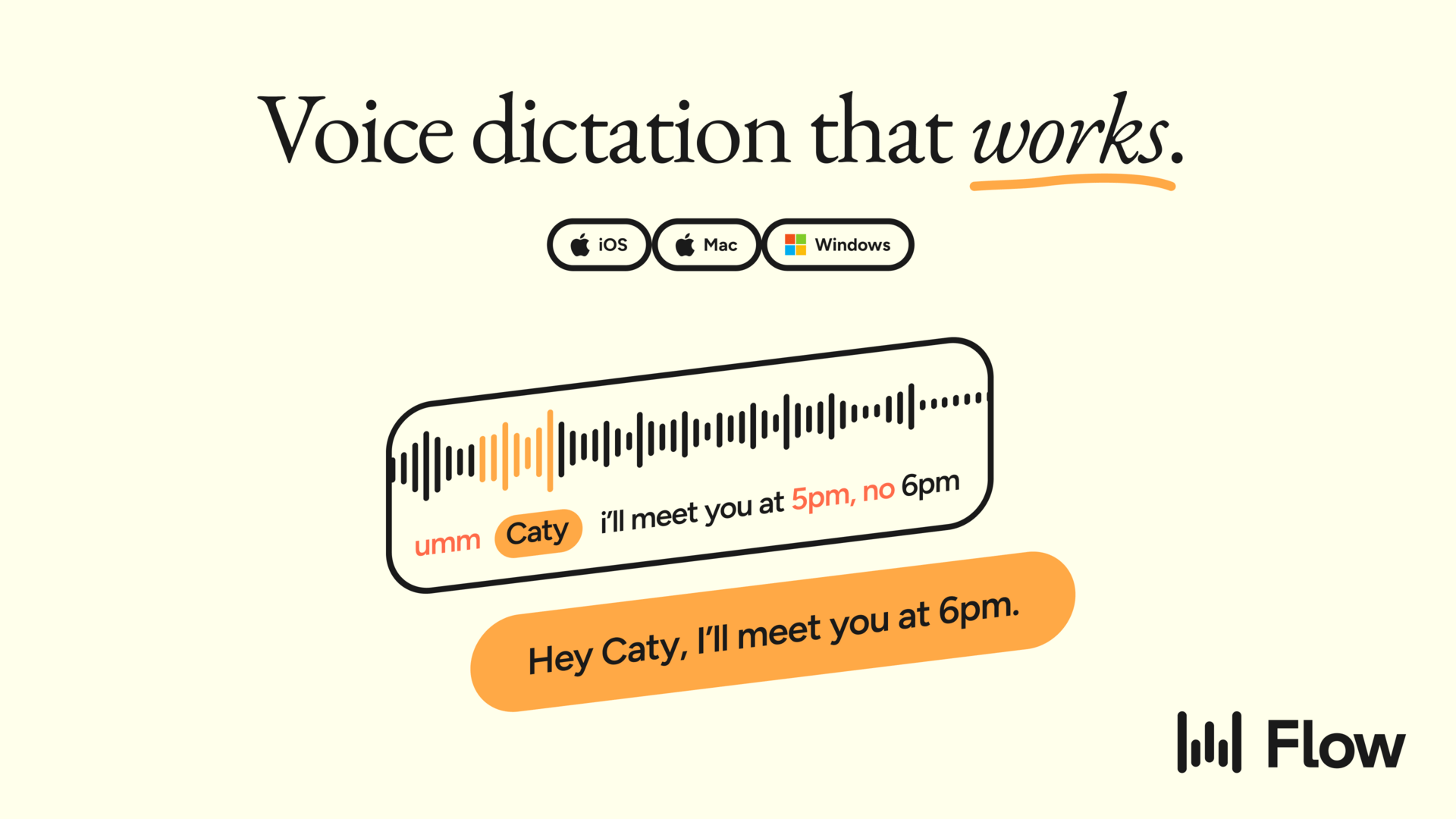
Stop losing nuance when you type prompts. Wispr Flow captures your spoken reasoning, removes filler, and formats it into a clear prompt that keeps examples, constraints, and tone intact. Drop that prompt into your AI tool and get fewer follow-up prompts and cleaner results. Works across your apps on Mac, Windows, and iPhone. Try Wispr Flow for AI to upgrade your inputs and save time.
The Workflow is Shockingly Simple
Getting started is easy according to the post’s author. You simply sign up, select that specific ‘Thinking’ model, and ensure image generation is on. Once you run your prompt, the AI generates the visual in seconds. If it’s not perfect, you can actually follow up with text instructions to tweak it, or even share the chat link with your team so they can make their own adjustments before downloading.
The “Designer Mindset” Prompt
The real value lies in the instructions you give the machine. The creator provided a specific template designed to force the AI into a professional design mode. By specifying elements like “clean typography” and “balanced spacing,” you stop the AI from making a messy collage.
Equipment policies break when you hire globally

Deel’s latest policy template on IT Equipment Policies can help HR teams stay organized when handling requests across time zones (and even languages). This free template gives you:
Clear provisioning rules across all countries
Security protocols that prevent compliance gaps
Return processes that actually work remotely
This free equipment provisioning policy will enable you to adjust to any state or country you hire from instead of producing a new policy every time. That means less complexity and more time for greater priorities.
*Ad
Other awesome AI guides you may enjoy
Here is the template the expert shared:
Create a high quality infographic titled “[TITLE]” that visually explains “[TOPIC]” using a modern, minimal, and professional style with clean typography, balanced spacing, clear section dividers, simple icons, and a cohesive color palette based on [COLOR PALETTE]. Include well structured sections for “[SECTION 1]”, “[SECTION 2]”, “[SECTION 3]”, and any supporting data or visuals that highlight the key points. Use a layout that is easy to read, visually appealing, and optimized for social media sharing at [ASPECT RATIO].
AI-native CRM

“When I first opened Attio, I instantly got the feeling this was the next generation of CRM.”
— Margaret Shen, Head of GTM at Modal
Attio is the AI-native CRM for modern teams. With automatic enrichment, call intelligence, AI agents, flexible workflows and more, Attio works for any business and only takes minutes to set up.
Join industry leaders like Granola, Taskrabbit, Flatfile and more.
*Ad